
Admissions
Begin Your Journey in Healthcare
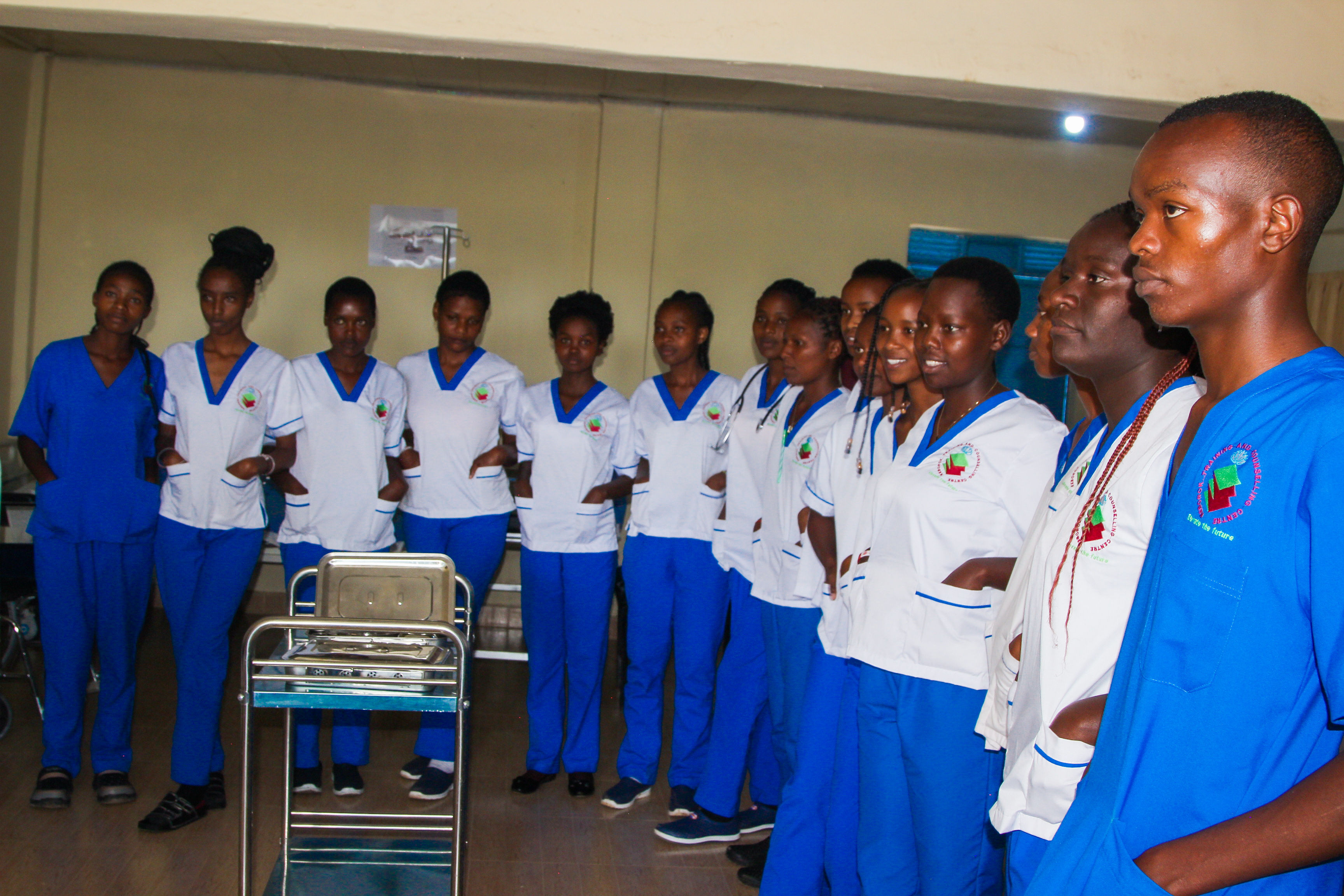
Admissions Open for January & September
Join a community of passionate healthcare learners. Applications are open to qualified candidates from across Kenya and beyond.
Your Application in Four Simple Steps
Prepare Documents
Gather your KCSE certificate, ID, passport photos, and any relevant academic certificates.
Submit Application
Fill out the online application form or download, complete, and return the PDF to our admissions office.
Application Review
Our admissions committee reviews your application and contacts you within 5–7 working days.
Accept & Enroll
Receive your admission letter, pay the registration fee, and report on the indicated date.
Required Documents
- KCSE certificate / result slip
- National ID or birth certificate
- Two recent passport-size photos
- Secondary school leaving certificate
- Relevant certificates (for advanced entry)
- Application fee payment receipt
Ready to Apply?
Start your application today. It takes less than 15 minutes.
Start Online ApplicationApplication fee: KES 1,000 (non-refundable)
Transparent Fee Structure
Diploma in Clinical Medicine
2 YearsFee structure will be published soon.
Certificate in Pharmacy
2 YearsFee structure will be published soon.
Certificate in Health Records
2 YearsFee structure will be published soon.
First Aid & CPR
3 YearsFee structure will be published soon.
Infection Prevention & Control
1 YearsFee structure will be published soon.
Health Informatics
3 YearsFee structure will be published soon.
All fees are payable per academic year. Students may pay in instalments of 60% at the start of the semester and 40% before the end of the semester. Fees are subject to review annually.
How to Pay Your Fees
NCBA BANK PAYBILL
Pay instantly from your phone using our NCBA paybill number.
EQUITY BANK PAYBILL
Pay instantly from your phone using our Equity paybill number.
Payment Process
- 1Obtain your admission number from the registrar's office.
- 2Log in to the student portal to generate your fee invoice.
- 3Choose your preferred payment method and complete the transaction.
- 4Keep the payment reference — you'll need it to confirm your fees.
- 5Email your payment receipt to finance@keborok.ac.ke for confirmation.
Important Notice
Always obtain an official receipt from the finance office for every payment. Never pay cash to individuals — all payments must go through official channels.
Finance Office: +254 700 123 456
Email: finance@keborok.co.ke